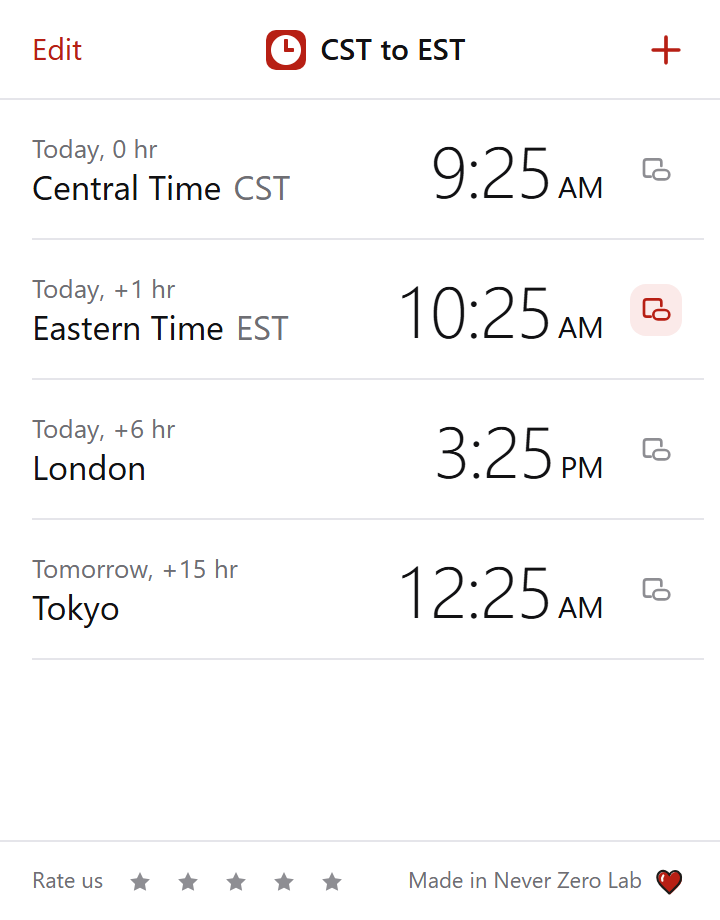
 CST to EST
 · World Clock
Your world clocks are ready
Central and Eastern time, with the rest of the world one click away.
- Open the clock icon to see Central and Eastern time.
- Click + to find a city or time zone and add it to your list.
- Click a clock row or its marker to show that time on the toolbar icon. Click the marker again to clear it.
- Open Edit to reorder or remove clocks, choose a language and set 12 or 24 hours.
These are live clocks. You cannot enter a time or date to convert it.